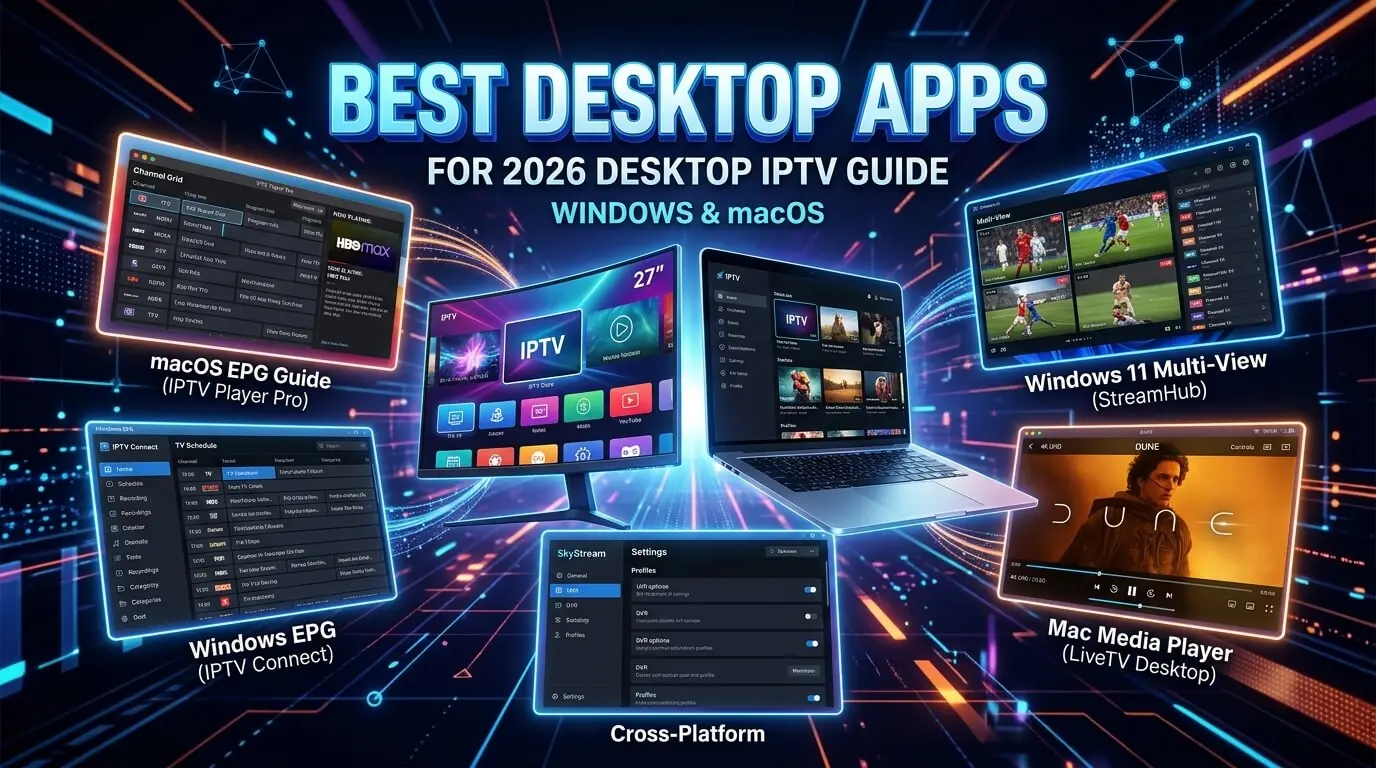
Run IPTV on any Windows 10 or 11 PC, Intel Mac or Apple Silicon MacBook in
under five minutes. Five desktop apps, from the free default
(IPTV Smarters Pro Desktop) to the longest trial on the market
(Hot Player, 30 days), plus IBO Player Pro, VLC
and Kodi for power users. All work with our
£19.99 IPTV UK trial.
Every modern Windows PC, MacBook and iMac in the UK runs IPTV natively, with no
extra hardware and no browser plug-ins involved. Below are the five desktop apps we actively
support, ordered by how quickly each takes you from opening a fresh laptop to watching UK
channels, sport and films on a first iptv trial. All five accept the
same Xtream Codes credentials, or the same M3U playlist, that came with your
iptv subscription. One login covers the laptop, the television, the phone and the Fire Stick.
In a hurry? Three of them cover about 95% of desktop setups:
IBO Player Pro: around EUR 8 for life after seven days free. Windows-only, and the most polished paid option
About the paid apps
Hot Player and IBO Player Pro each ship with a free trial. Install one, load the playlist, test it properly first.
When the trial ends you pay that developer on their own site, not us. Tap any card for the exact steps.
Smarters Pro is the quickest way to get your GetTV iptv trial running on a Windows PC, a MacBook or an iMac. The desktop build signs in with exactly the same Xtream Codes credentials as the Fire Stick and mobile versions, so one subscription covers the laptop and the television with no additional configuration at all. It runs natively on Apple Silicon, with no Rosetta involved.
Log in via
Xtream Codes API (username + password + server URL)
Supported systems
Windows 10 · Windows 11 · macOS 11+ (Intel & Apple Silicon)
Step-by-step
1
Download the installer
Go to iptvsmarters.com/downloads in a browser and take the Windows .exe or the macOS .dmg for your machine. Both are free.
2
Install and open it
Windows: double-click the .exe and follow the wizard. macOS: drag the icon into Applications, then right-click and Open the first time so Gatekeeper lets it through.
3
Choose Login with Xtream Codes API
Add New User, then Login with Xtream Codes API. Fastest and most reliable route for any iptv service.
4
Paste the credentials
Give it a nickname, then paste the username, password and server URL from your welcome message. Save.
5
Start watching
It loads the full channel list, guide, VOD and series. Full-screen is F11 on Windows or Control-Command-F on macOS.
Tip
On Apple Silicon, the native ARM build is roughly 30% smoother than the Intel one on 4K channels. Make sure you download the Apple Silicon .dmg rather than the Intel one, because the site does not always pick correctly.
Hot Player carries the longest free trial of any desktop IPTV app at thirty days, which makes it a natural partner for a monthly iptv uk trial. It is the same Hot Player you would install on a Fire Stick or smart TV, and once the playlist is uploaded it stays in sync across every device on the account. EUR 14.99 for life is among the better one-off prices in this category.
Log in via
M3U playlist URL (uploaded at hotplayer.app/upload)
Supported systems
Windows 10 · Windows 11 · macOS 11+ · iOS · Android · Smart TV · Fire TV
Step-by-step
1
Download it
From hotplayer.app, open Downloads and take the Windows installer or the macOS .dmg. Install as normal.
2
Read the device ID
On first launch it displays a device ID. Screenshot it.
3
Send it over
WhatsApp the ID with your order name. We generate a personal M3U playlist URL against your iptv subscription.
4
Upload at hotplayer.app/upload
Open hotplayer.app/upload in a browser, enter the device ID, paste the M3U URL we sent back, and save.
5
Restart the app
Close and reopen it. The channels load. Thirty days free, then EUR 5.99 a year or EUR 14.99 for life at hotplayer.app/activation.
Tip
Hot Player syncs one playlist across every device on the same account, so setting it up once on a laptop means it simply appears on the Fire Stick and the phone afterwards.
IBO Player Pro brings its poster-grid interface to Windows: a proper ten-foot layout you can drive with a keyboard or a Bluetooth remote once the PC is plugged into a television. Seven days free is included and a one-off payment of roughly EUR 8 unlocks that machine permanently. It remains Windows-only on desktop, with a macOS build still on their roadmap.
Log in via
Device Key + MAC (activated on iboproapp.com)
Supported systems
Windows 10 · Windows 11 · Fire TV · Smart TV · Apple TV · iOS · Android
Step-by-step
1
Download the Windows installer
Go to iboproapp.com/downloads and take the .exe. Install as normal.
2
Read the Device Key and MAC
On first launch it shows both. Copy them, since both are needed.
3
Send both over
WhatsApp them across and we attach your playlist within about ten minutes, confirming when it is live.
4
Reload and use the free week
Restart IBO Player. Channels, VOD and series appear, with seven days free from there.
5
Unlock it permanently
When the trial expires, go to iboproapp.com, enter the same Device Key and MAC, and pay the one-off lifetime fee.
Tip
There is still no native macOS build. Mac owners should use Smarters Pro, which is native on Apple Silicon, or VLC. The same iptv subscription credentials work in both.
VLC is the free player already installed on half the laptops in Britain, and it quietly happens to be a competent IPTV client. Paste the M3U URL we send and it opens the entire channel list as a playlist. There is no guide and no VOD polish whatsoever. What there is, is complete reliability and nothing new to install when you want to test an iptv trial on a laptop.
Log in via
M3U playlist URL
Supported systems
Windows 10 · Windows 11 · macOS 10.11+ · Linux
Step-by-step
1
Install VLC, if you somehow lack it
Free from videolan.org/vlc, for Windows and macOS, with an Apple Silicon build included.
2
Copy the M3U URL
A personal M3U playlist URL comes with every iptv subscription. Copy it out of the WhatsApp thread.
3
Open it in VLC
Windows: Media, Open Network Stream, paste, Play. macOS: File, Open Network, paste, Open.
4
Save it as a playlist
While the list is loaded, use Media or File, Save Playlist to File, and keep the .m3u somewhere you will find it again. One click to reopen thereafter.
Tip
VLC has no EPG at all. For a proper guide use Smarters Pro or Hot Player and keep VLC installed as the emergency fallback.
Kodi is where the power users land on desktop: free, open source, a genuinely good guide once it is configured, and able to record live television to disk. It takes longer to set up than Smarters Pro, because you have to enable PVR IPTV Simple Client and point it at the M3U yourself. For anybody assembling a home-cinema PC, nothing free does the job better.
Log in via
M3U playlist URL (loaded into PVR IPTV Simple Client)
Supported systems
Windows 10 · Windows 11 · macOS 11+ · Linux · Fire TV · Android
Step-by-step
1
Install Kodi
Free from kodi.tv. Take the Windows .exe or the macOS .dmg and open it once installed.
Which Windows / Mac IPTV app should I actually use?
Shortest possible answer: install IPTV Smarters Pro (Desktop) first, because it
is free and the Xtream Codes login is the identical one already working on your Fire Stick and
phone. If the interface feels too plain, add Hot Player next. Thirty days
covers your entire first month and, if you keep it, EUR 14.99 for life is genuinely good value.
Kodi is for people who want to record. VLC is the no-new-app fallback.
Windows 10 & Windows 11 users
Everything here runs natively on Windows 10 and 11. The pairing we would pick is
Smarters Pro with IBO Player Pro: one free with an instant Xtream Codes login,
one paid with a proper lean-back interface you can drive from a sofa. Both
accept the same iptv subscriptions credentials from us.
Intel Mac users
Intel MacBooks and iMacs handle Smarters Pro, VLC and Kodi without complaint. Hot Player runs
through Rosetta 2 and is smooth at 1080p. IBO Player Pro has no macOS build yet, so Mac owners
want Smarters as the primary player with VLC behind it.
Apple Silicon (M1 / M2 / M3 / M4) Mac users
Native ARM builds of IPTV Smarters Pro, VLC and Kodi make Apple Silicon the
smoothest IPTV laptop money can buy, with 4K HEVC playback and the fan barely audible. Just
confirm you have taken the Apple Silicon build of each app rather than the
Intel one.
Try our IPTV UK trial on any of these apps
Every app on this page works with our 30-day £19.99 IPTV trial,
on the same Xtream Codes credentials or M3U playlist and the same UK support on WhatsApp. Install
one of the paid apps and the developer own free trial runs alongside
our iptv subscription, so both can be judged before anything further
is spent. One set of credentials covers the Windows PC, the MacBook, the Fire Stick, the smart TV
and the phone, with a single iptv service behind every screen in the house.
Frequently asked questions
Which is the best IPTV app for Windows and Mac in 2026?
For most laptop users on a first iptv trial, Smarters Pro Desktop: free, native on Apple Silicon, and one-step Xtream Codes login. If you want a longer free window before paying anything at all, Hot Player gives you thirty days. And if you would rather not install anything new, VLC will play your M3U with no setup whatsoever.
Does IPTV work on Apple Silicon (M1, M2, M3, M4) Macs?
Yes. Smarters Pro, VLC and Kodi all ship native Apple Silicon builds and run cleanly on any M-series MacBook, iMac or Mac mini. Hot Player runs through Rosetta 2 and is smooth at 1080p with occasional frame drops at 4K on a base M1. IBO Player Pro remains Windows-only on desktop.
Do I need a paid app to watch IPTV on my laptop?
No. Smarters Pro Desktop, VLC and Kodi are all free permanently. Hot Player and IBO Player Pro carry free trials of thirty and seven days, so you can install, load the playlist and judge them properly. Payment, when it happens, goes to those developers on their own sites at hotplayer.app/activation or iboproapp.com, and never through us.
Can the same subscription run on the laptop and the television?
Yes. One GetTV subscription issues one set of Xtream Codes credentials, or one M3U URL, covering a Windows laptop, a MacBook, a Fire Stick, a smart TV, an iPhone and an Android tablet. Same login everywhere and no per-device charge; simultaneous playback is the only cap. Our other installation guides cover the TV and mobile side.
What about a work laptop with no admin rights?
VLC is the answer. Plenty of corporate machines already have it, and where they do not it installs without admin rights on most Windows builds. Paste the M3U through Media, Open Network Stream. The Kodi portable build also runs without admin on Windows. Smarters Pro and Hot Player both need admin rights to install.
Do these desktop apps support 4K IPTV?
Yes. Smarters Pro, Hot Player, IBO Player Pro, VLC and Kodi all handle 4K HEVC on any current Windows PC or Mac with a connection to match, for which we would want 25 Mbps or better. Use a wired connection rather than wifi if the socket is anywhere nearby, because above about 15 Mbps of bitrate the difference stops being subtle.
Is IPTV safe to install on my Windows PC or Mac?
Every app here is a legitimate player downloaded from its own official site: iptvsmarters.com, hotplayer.app, iboproapp.com, videolan.org and kodi.tv. None carries malware. What decides the legal question is the subscription you stream through them. Every GetTV iptv trial runs from licensed servers with UK support on WhatsApp.
Get the best IPTV UK subscription today
50,000+ channels, genuine 4K, live within minutes of paying. One, three, six or twelve months, same content on all four. Nothing renews, nothing is added at checkout, nothing is held back for a higher tier.